captacionJan 20, 2025
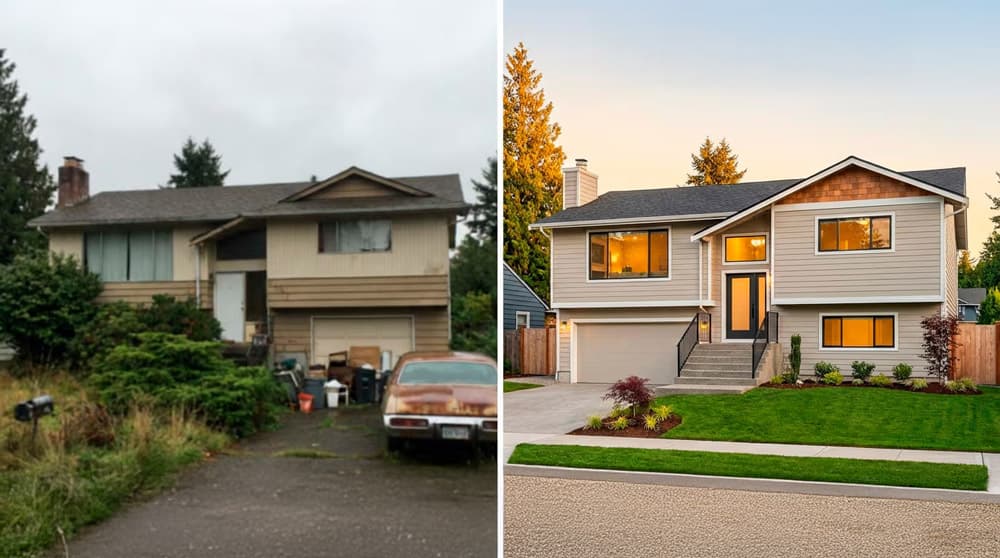
Before/After: the best resource to win listings
Turn improvements into acquisition arguments.
Read: 4 minRead article
BUILT FOR REAL ESTATE AGENTS
Get on Rightmove & Zoopla in minutes. No photographer. No staging. No waiting.
20 free credits · No credit card required.
AI Powered
8 professional tools
More clicks on Rightmove & Zoopla
More showing requests per listing
Less time on post-production
Based on results from early agents already using BestViews.
Professional results in under 60 seconds.
Generate cinematic AI clips from your photos, assemble them with your logo, property details and music, and publish stunning property videos on portals and social media.
AI photo to video
Upload an image and automatically generate animated cinematic clips. No camera, no equipment.
Camera control
Choose from 12 movements: tracking, zoom, orbit, aerial, detail and more. Every shot, your way.
Before/after transitions
Combine 2 images in a smooth transition. Ideal to showcase renovations, staging or style changes.
Your brand in every video
Logo, property details, agent contact and custom end screen. Automatic professional branding.
Professional music included
Curated music library for real estate. Adjustable volume, auto fade.
Ready to publish
Download in Full HD MP4. Share on portals, Instagram Reels, YouTube Shorts or TikTok.
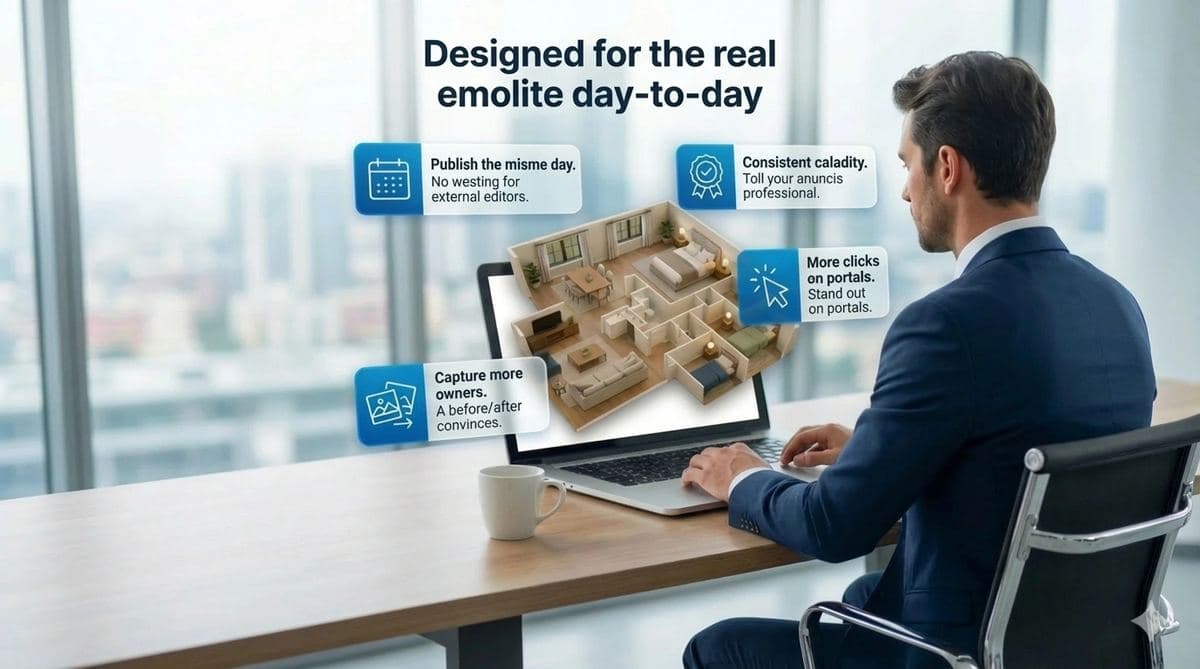
List the same day.
Shoot in the morning, go live before lunch. Zero wait.
Every photo looks pro.
Phone photo or DSLR — BestViews makes every photo stand out on portals.
More clicks, more showings.
Better listing photos get 3x more inquiries. The math is simple.
Win more listings.
Show sellers a before/after at the listing appointment. Close deals others lose.
Average time
< 30s
per photo
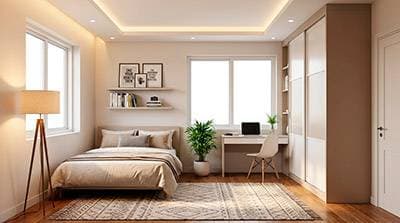
Dark photos → bright spaces that invite you in.
Remove distractions: cables, stains, tenant's bike.
Sell potential, not flaws. Fix walls in 1 click.
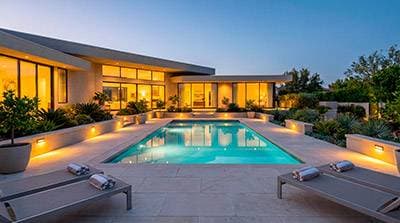
Blue skies and manicured garden. Even if they're not.
Goodbye crooked photos. Automatic professional perspective.
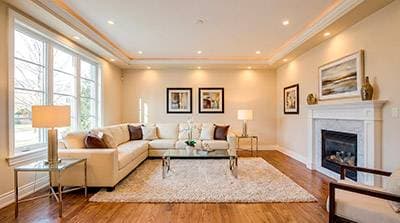
The place is empty. The listing doesn't have to be.
Dated kitchen? Show it renovated without touching a tile.
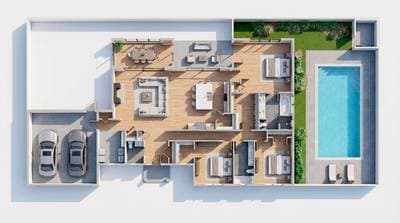
From flat blueprint to render that sells.
Real results from agents using BestViews on their listings.

"We used to depend on photographers for almost everything. Now we take photos with our phones, run them through BestViews, and have professional listings published the same day."
Sarah M.
Senior Negotiator, London
+35%
portal views in
the first 2 months.

"Virtual home staging helps us win sole agency instructions: we show vendors how their property could look and they better understand the price we propose."
James R.
Branch Manager, Manchester
+30%
more sole agency
instructions on vacant properties.

"We've significantly cut our external photography costs. We still hire professionals for key properties, but the daily volume goes through BestViews."
Claire L.
Operations Manager, Midlands Agency
-£700
/month saved on professional
photography and editing.
ListingKit
Edited photos, 3D floor plan, AI description, location... all in one place. Export in 1 click and publish anywhere.
All edited property images ready for listing sites.
Convert your 2D plan into a photorealistic 3D view.
Commercial copy automatically generated for your listings.
Integrated map with the exact property address.
Export all optimized photos in a single click.
Track which properties are ready, in progress, or pending.
Victorian Home
12 photos · San Francisco
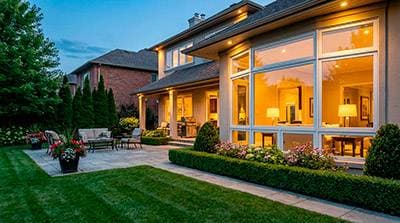
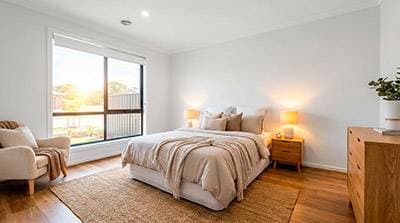
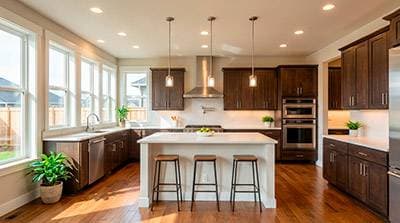
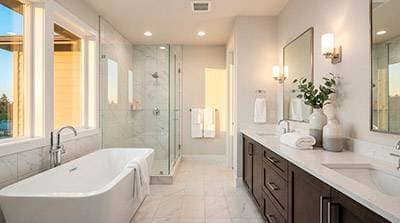
Includes
Branded PDF
Generates
AI copy
Professional-looking listings build trust instantly. Better trust = more calls = more listings.
Blog
Practical guides for standout listings.
Turn improvements into acquisition arguments.
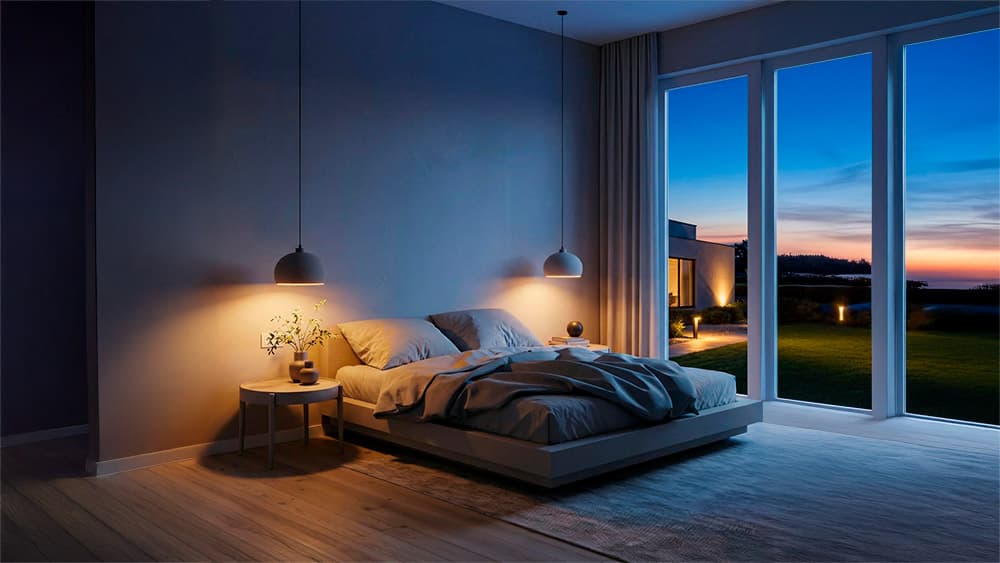
Discover the techniques professionals use to transform real estate photos.
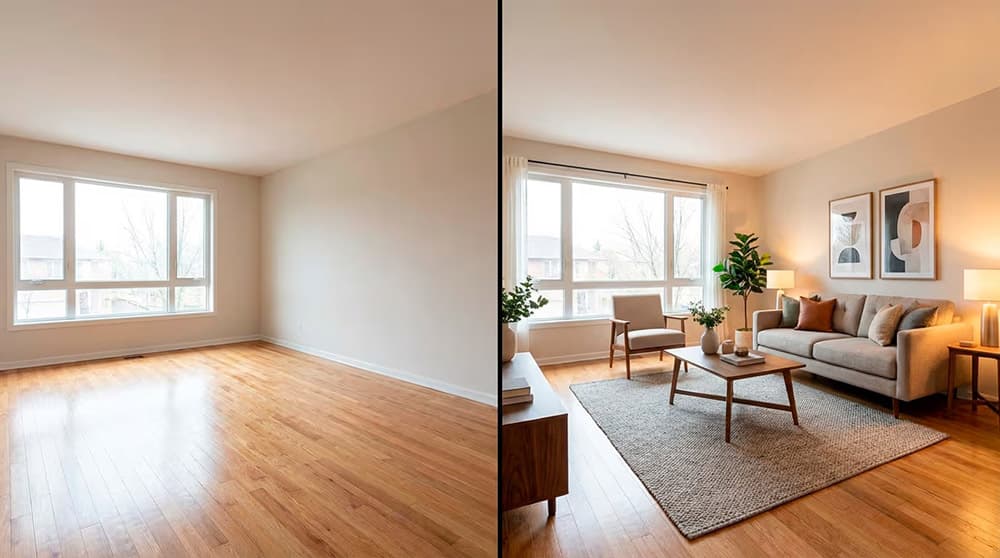
How to show potential without overdoing it.
BestViews is a platform to enhance real estate photos and videos with artificial intelligence. It includes 8 professional tools — lighting, cleanup, stylize, exteriors, perspective, virtual home staging, interior studio and construction — plus AI property videos. Built for agencies, agents, developers and architects producing visual content daily.
A cinematic property video generated from your photos, with no video camera or manual editing needed. AI creates camera movements, transitions, virtual walkthroughs and music automatically. With BestViews you do it in minutes from your phone, with output resolutions ready for Rightmove, Zoopla, Instagram Reels and TikTok.
AI analyses each photo and applies professional corrections normally done by a photographer in post: corrects light and exposure (dark areas and highlights), removes unwanted objects (cables, stains, clutter), corrects perspective and verticals, improves skies in exteriors, repairs visible defects and applies coherent grain and style. All in seconds.
Three main types: 1) Short reels (15-30 sec) for Instagram, TikTok and portals with animated photos and virtual camera movement; 2) Cinematic tours (60-90 sec) with walkthrough narrative; 3) Advertising videos (30-45 sec) with text, music and call-to-action for ads. All in vertical (9:16) and horizontal (16:9) formats.
Between 2 and 5 minutes per video depending on length and complexity. You upload 5-15 photos, choose a template and AI assembles the video with transitions, music and effects automatically. Much faster than editing in Premiere or DaVinci (hours), with no learning curve.
Yes. Videos download in standard formats (MP4 H.264) and resolutions (1080p or 4K) compatible with all UK property portals (Rightmove, Zoopla, OnTheMarket, PrimeLocation) and social media (Instagram, TikTok, YouTube, Facebook). No watermarks or required attribution.
Yes. There are specific templates in 9:16 vertical format optimised for Instagram Reels and TikTok, with pace, cuts and duration tuned to each platform's algorithm. Audio is mixed automatically with royalty-free music.
AI adds royalty-free music automatically chosen based on video style (cinematic, energetic, calm, luxury). You can switch between several tracks or upload your own music if you own the rights.
Depends on the plan: Basic (£29/mo) includes 1 video/mo, Starter (£49/mo) 2 videos, Pro (£99/mo) 3 videos. Additional videos can be bought as packs with no expiry. Dramatically cheaper than hiring a videographer (£400-£1,500 per professional video).
A camera-shot video requires travelling to the property, equipment (camera, gimbal, drone), 1-2 hours of filming and 4-8 hours of editing. Total: 1-2 days of work, £400-£1,500. BestViews takes your phone photos and delivers video in minutes. For premium properties pro video is still worth it; for daily volume AI video wins on cost and time.
HD (1080p) on all plans, Full HD and 4K on Starter and Pro. Optimised bitrates for portals (10-20 Mbps) without bloating file size. MP4 H.264 format, compatible with any device and platform.
No. Create your account and start with 20 free credits to test every tool. No credit card, no commitment. If it fits, pick a plan later.
Yes, especially well. For new builds you can generate videos with renders and floorplans as if they were real photos — perfect for off-plan sales. Also virtual home staging of show flats before construction is finished. The Construction module is built specifically for developers.
Yes, one of its most powerful applications. You arrive at the valuation appointment with a Before/After generated in 30 seconds from the owner's photos and visually prove why you will sell it better than the competition. Win exclusive listings in the first meeting.
Plan credits renew monthly (don't accumulate if unused). Credits bought in additional packs never expire. This lets you stockpile volume for busy periods (e.g. September campaign).
Yes, no commitment or penalty. Cancel from your user panel in one click. You keep access until the billed period ends and then move to the free plan (you won't lose your images or projects).
Perfectly. It's designed for agents and owners to use their phone without pro equipment. Compatible with iPhone, Android and any digital camera. As long as the photo is reasonably focused and well-lit, BestViews lifts it to professional quality.
No limit on active properties. Volume depends on plan credits. An agency with 50-100 active properties and daily visual production typically needs the Pro plan (600 credits/month). Teams of 5+ agents with individual access can contact us for a custom Enterprise plan.
Yes. All photos are stored encrypted on European servers (GDPR). Only you have access to your Library; we don't share images with third parties or use them to train external AI models. You can delete any image anytime from your account.
BestViews works 100% from browser on any device (mobile, tablet, desktop). It's mobile-optimised because we know many agents take and upload photos directly from the field. No app download required — just open bestviews.ai on mobile.
Yes, automatic monthly billing with your tax details (VAT number, company name, address). Compatible with self-employed, companies (VAT deductible) and agencies with multiple users. Invoices accessible from the panel as PDFs.
Those tools are generic editing that requires time and skill. BestViews is hyper-specialised in real estate: the AI is trained on thousands of property photos to solve the sector's specific problems (interior lighting, flat perspective, home staging, exteriors) in one click. What takes 20 min of manual retouching in Photoshop is 5 seconds here.
No credit card required. 20 free credits to try every tool.
Join agents already listing smarter
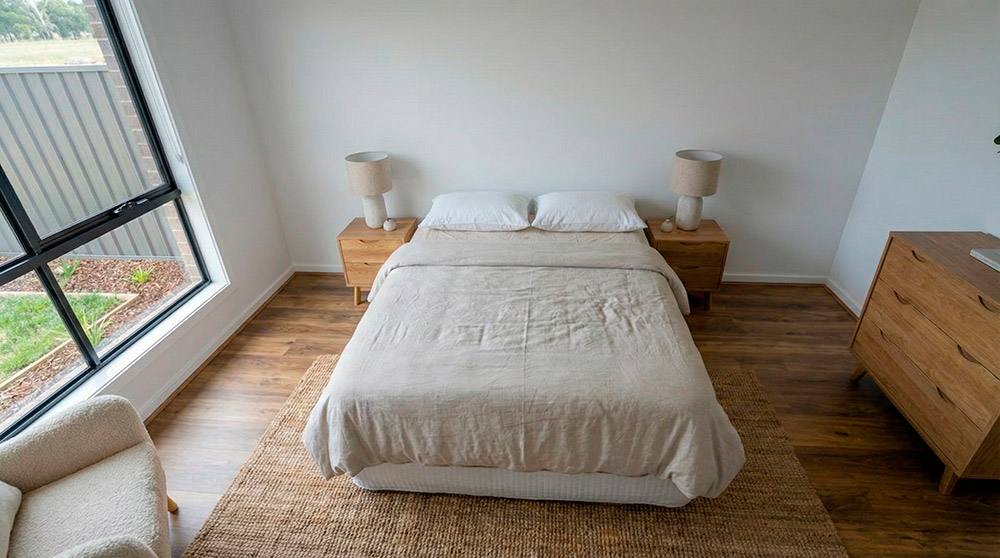
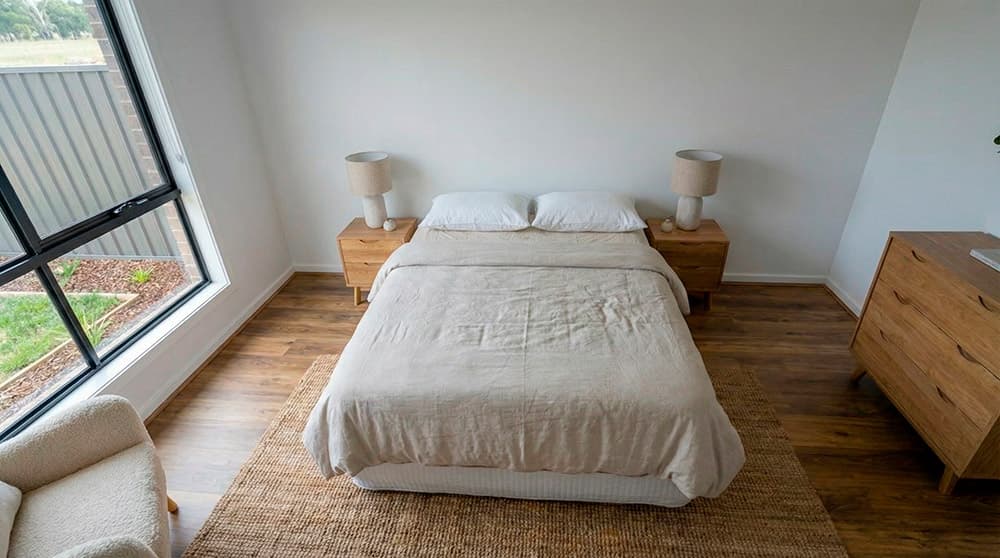
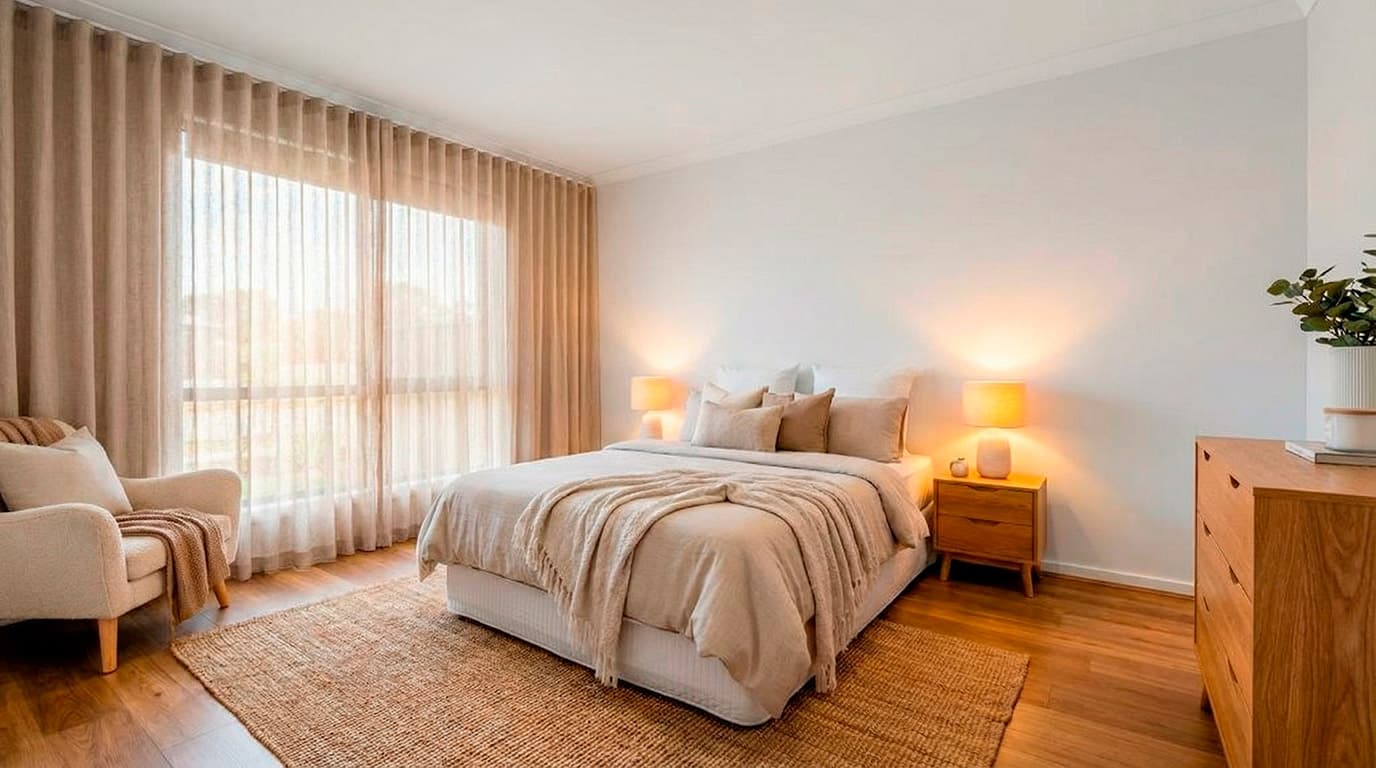
We improve perspective, lighting, decoration and detail, so that a mobile phone photo looks professional.

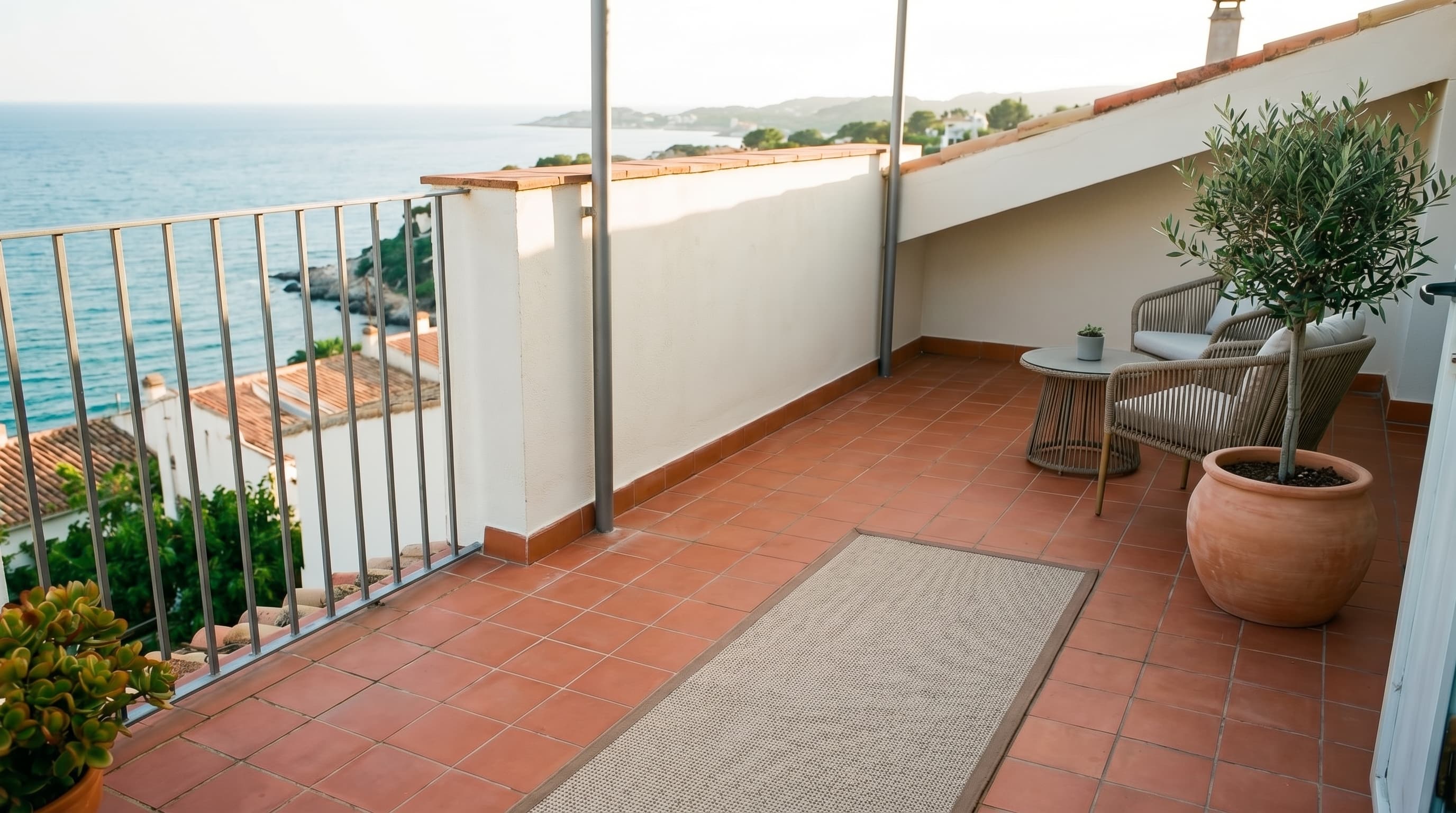
We remove cables, stains and small unwanted items, refine textures and keep the focus on what matters most: the space.
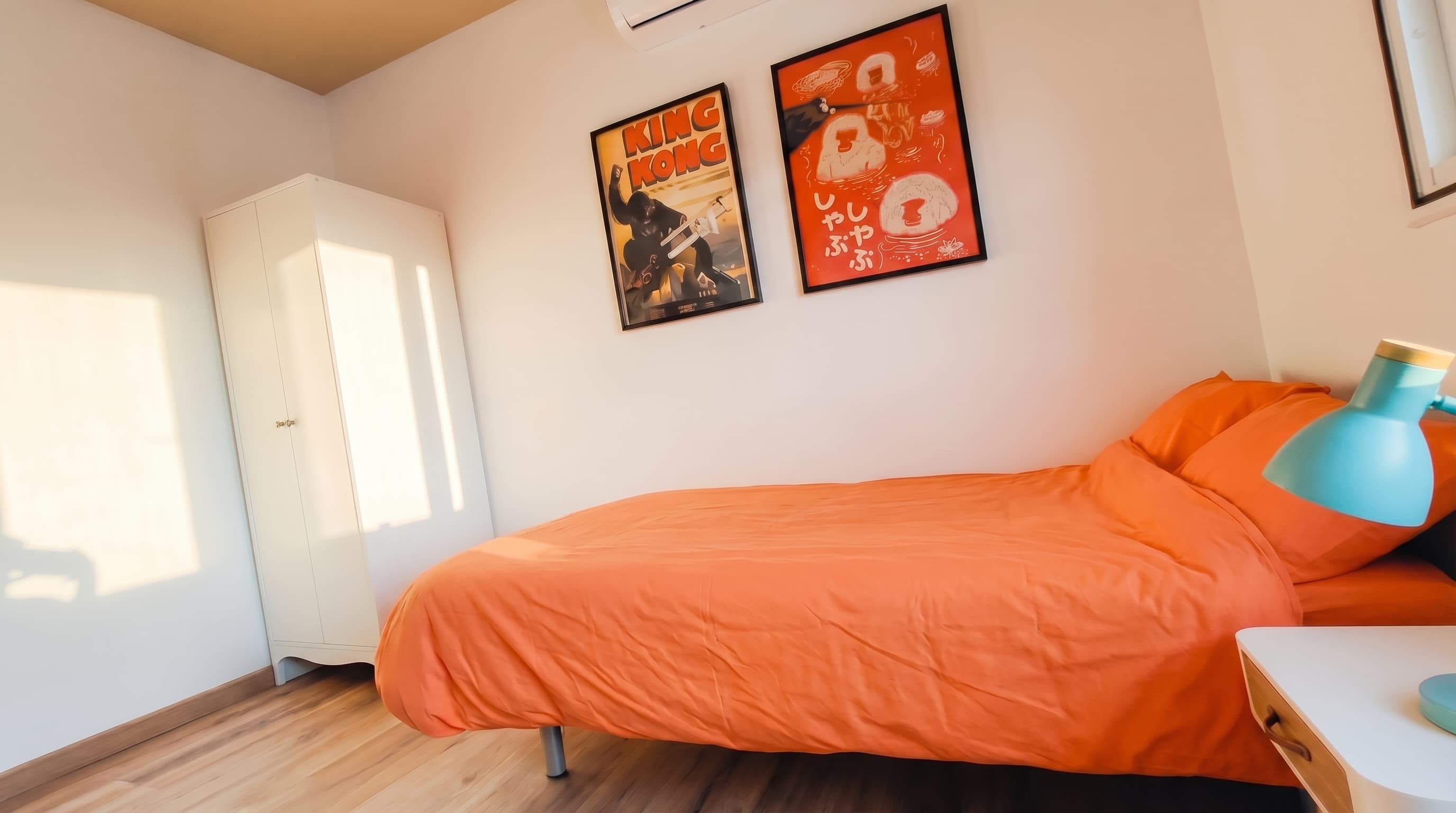
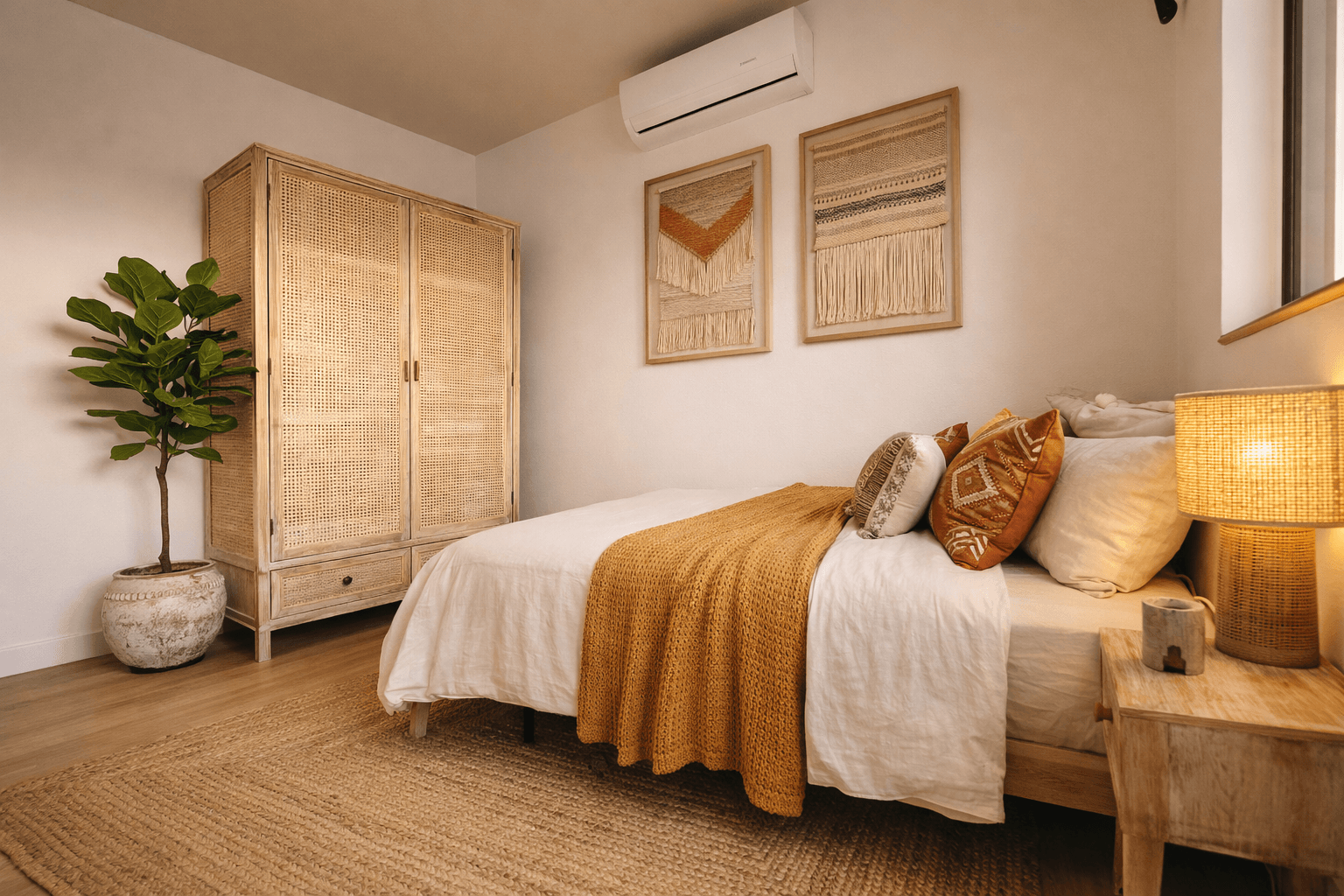
Change the decorating style and correct the framing
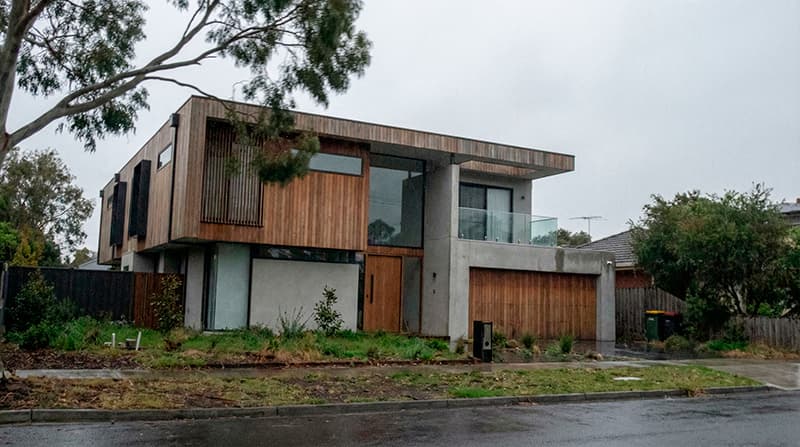
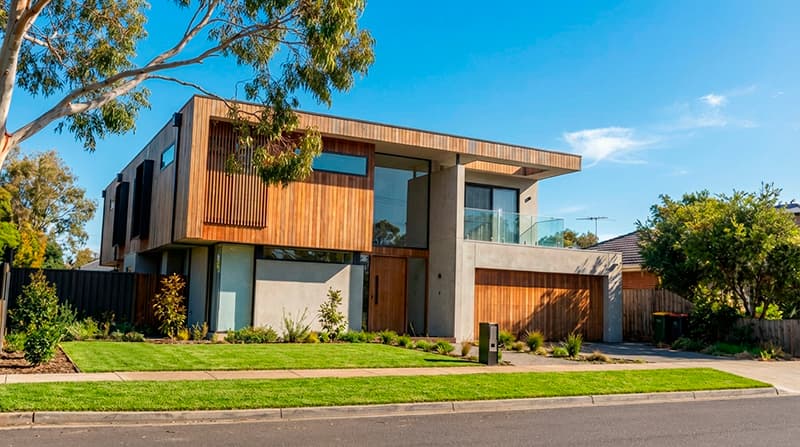
Improve gardens, skies and facades for stunning exteriors.
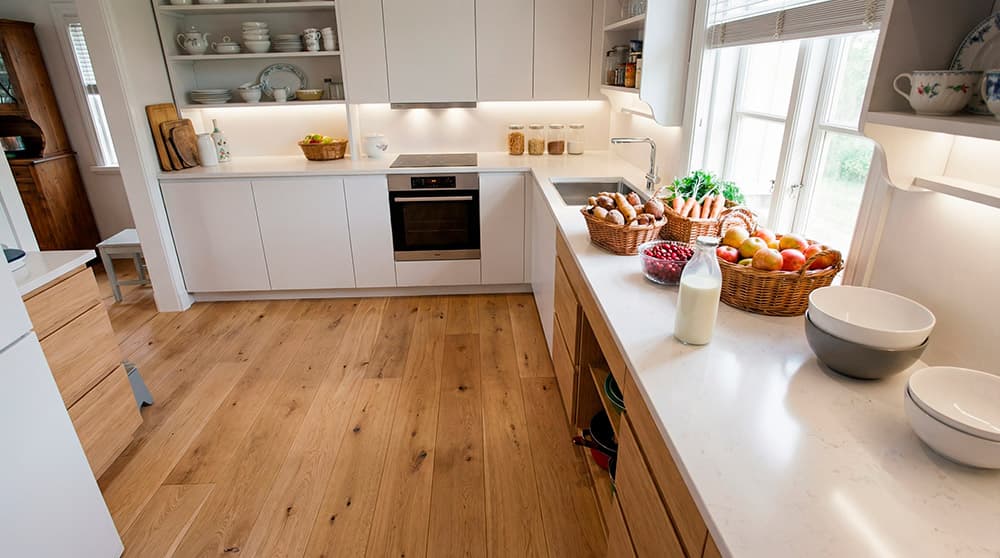
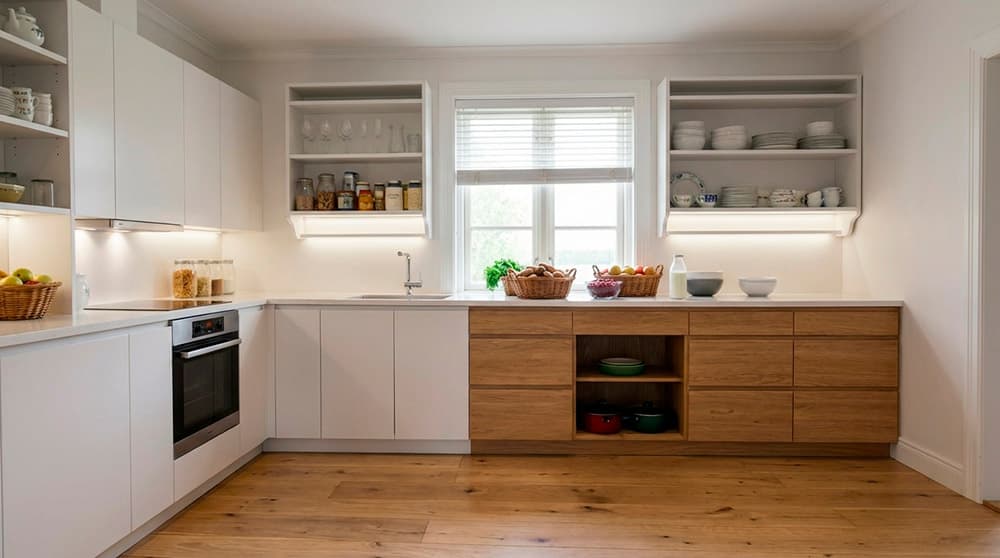
We straighten verticals, fix wide-angle distortion and crop distractions so the kitchen looks balanced and attractive on listing sites.
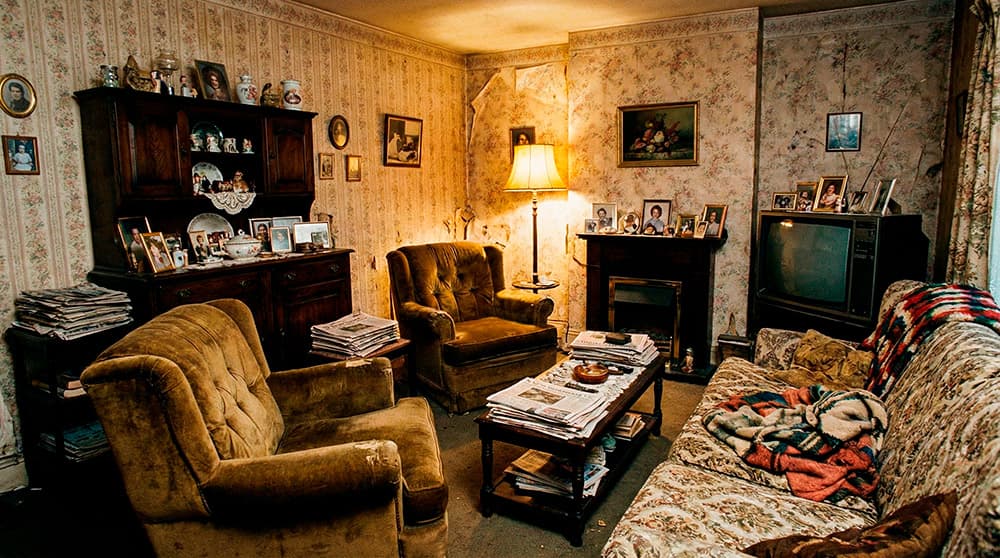
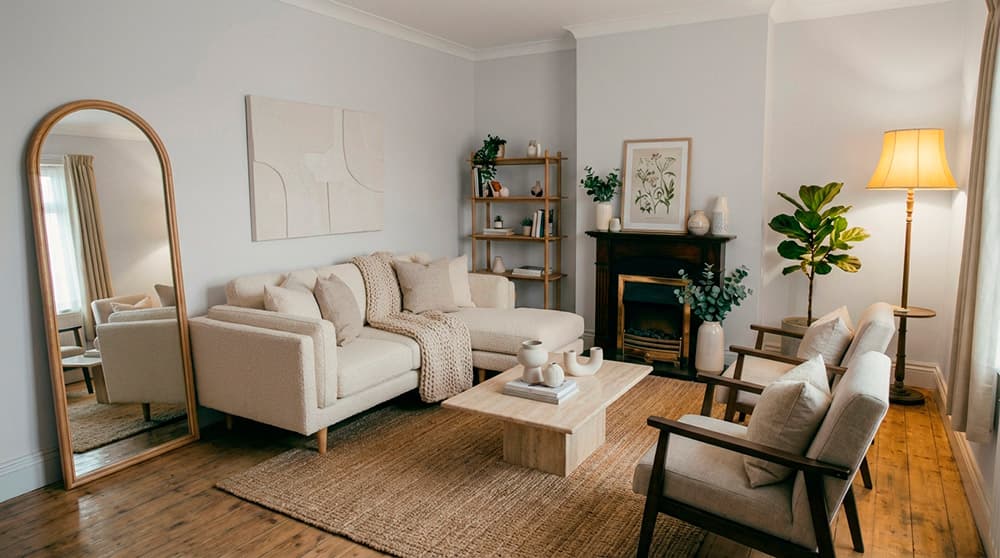
It helps the buyer visualize the potential and closes sales faster.
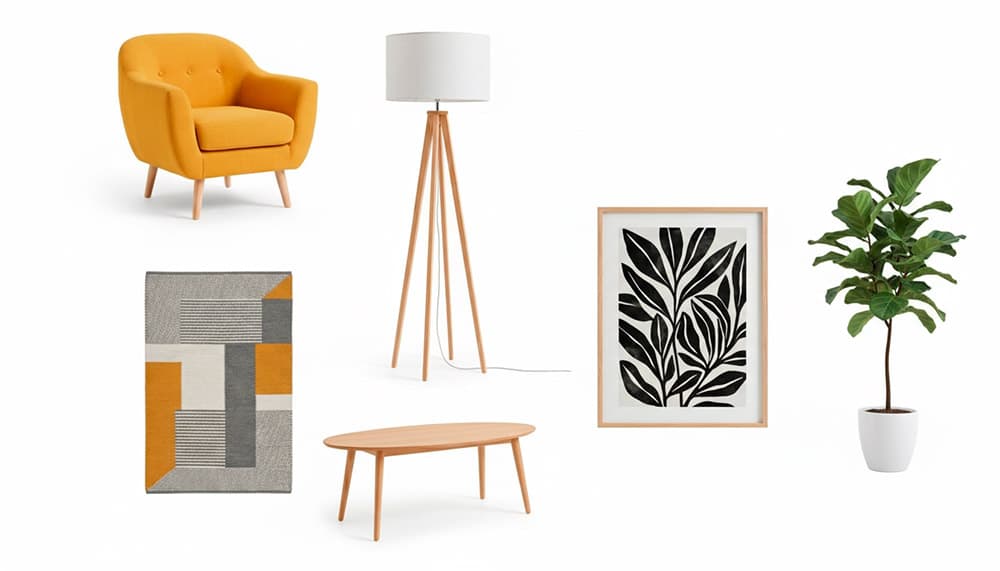
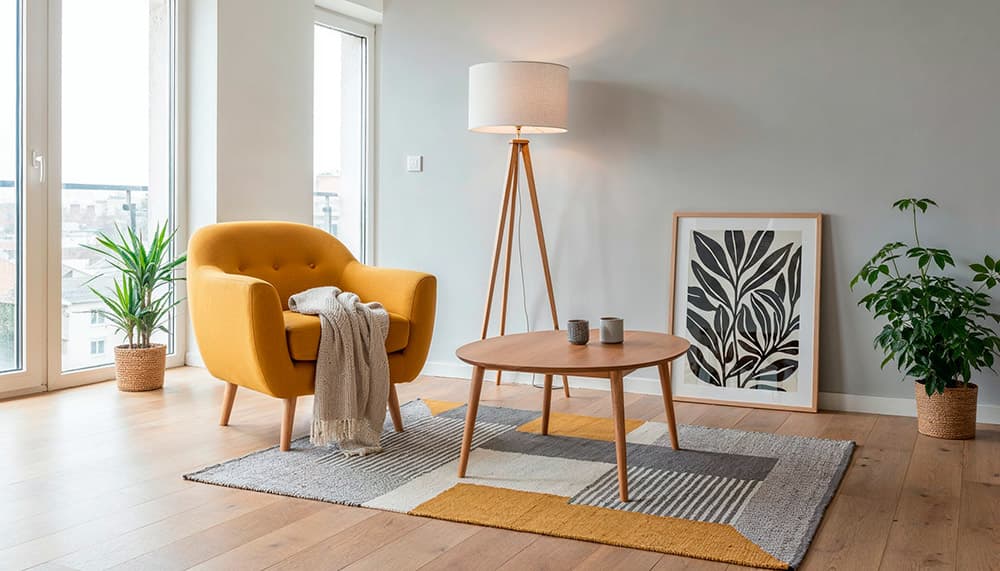
Virtually redecorate any room with professional styles.
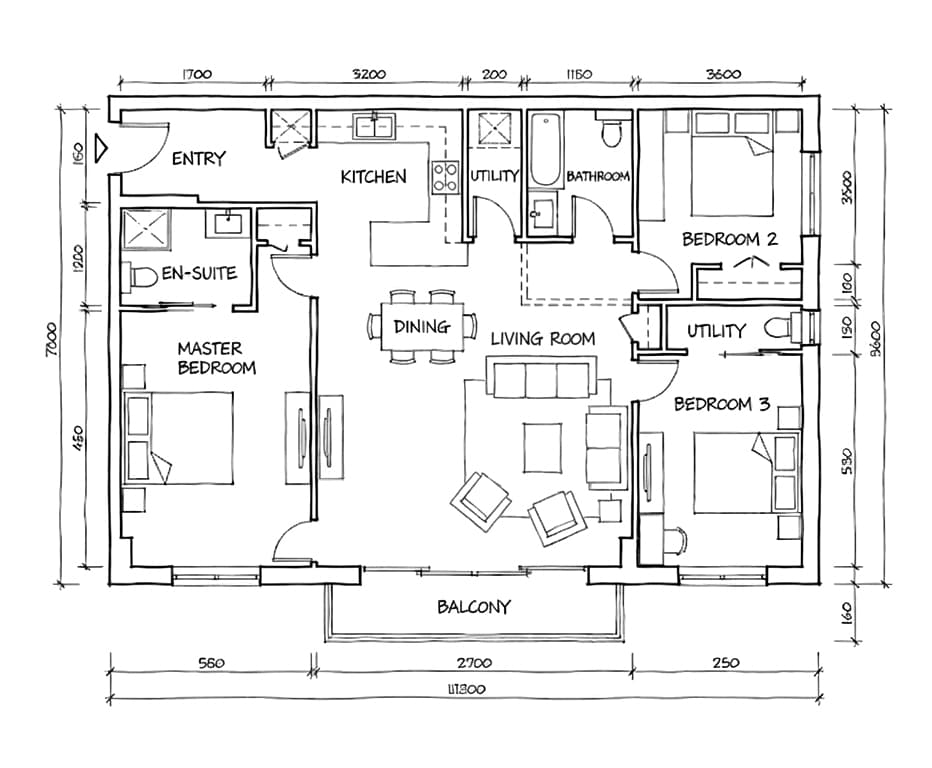
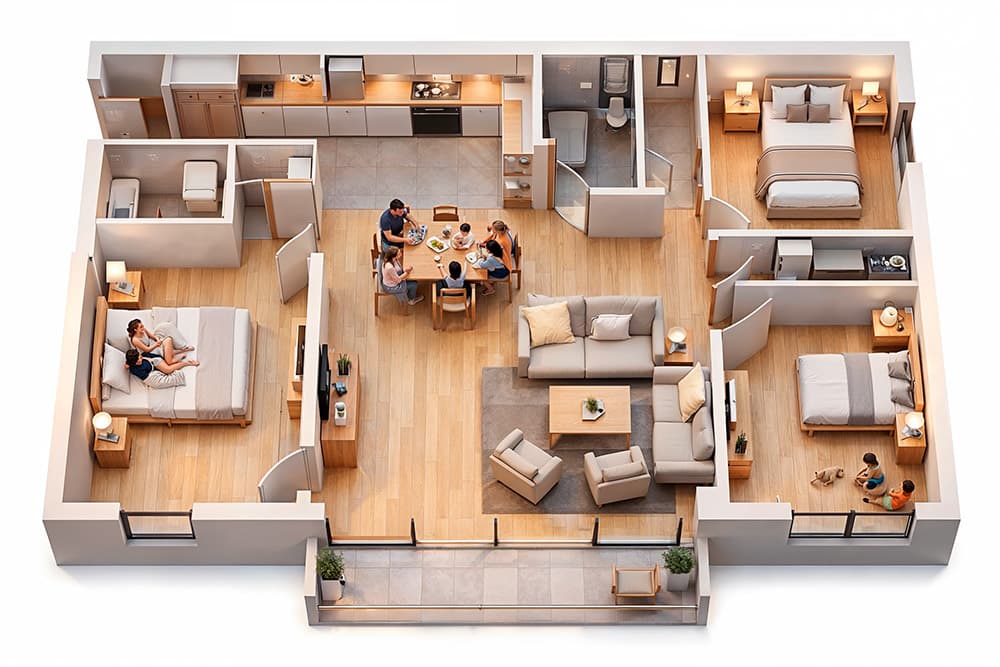
Transform technical plans into stunning 3D renders.
We improve perspective, lighting, decoration and detail, so that a mobile phone photo looks professional.
We remove cables, stains and small unwanted items, refine textures and keep the focus on what matters most: the space.
Change the decorating style and correct the framing
Improve gardens, skies and facades for stunning exteriors.
We straighten verticals, fix wide-angle distortion and crop distractions so the kitchen looks balanced and attractive on listing sites.
It helps the buyer visualize the potential and closes sales faster.
Virtually redecorate any room with professional styles.
Transform technical plans into stunning 3D renders.
No subscription required. Start free. Upgrade only if you love it.
Buy the credits you need — no subscription, no expiry.
One-time · no expiry
150 credits
Ideal for 10–15 properties/month
One-time · no expiry
300 credits
Perfect for agencies with steady volume
One-time · no expiry
600 credits
For teams managing 40+ properties/month
For agencies, developers and builders with specific needs. Custom features, advanced integration and dedicated support.